


112 templates · live from the app
Finished reels. Bring the clips.
Reel templates for iPhone, with the cuts already timed to the music.

Every Vidz template is a finished edit. The cuts already land on its soundtrack, and the text and stickers are already in place. You pick one, drop in photos and videos from your camera roll, and post.
Anatomy of a template
Four layers. None of them yours to build.



01Clips
9 slots over 12.83 s. Your photos and videos go here.
- Slot 1: 1.67 s
- Slot 2: 1.97 s
- Slot 3: 1.60 s
- Slot 4: 1.73 s
- Slot 5: 1.30 s
- Slot 6: 1.30 s
- Slot 7: 0.77 s
- Slot 8: 0.90 s
- Slot 9: 1.60 s
02Text
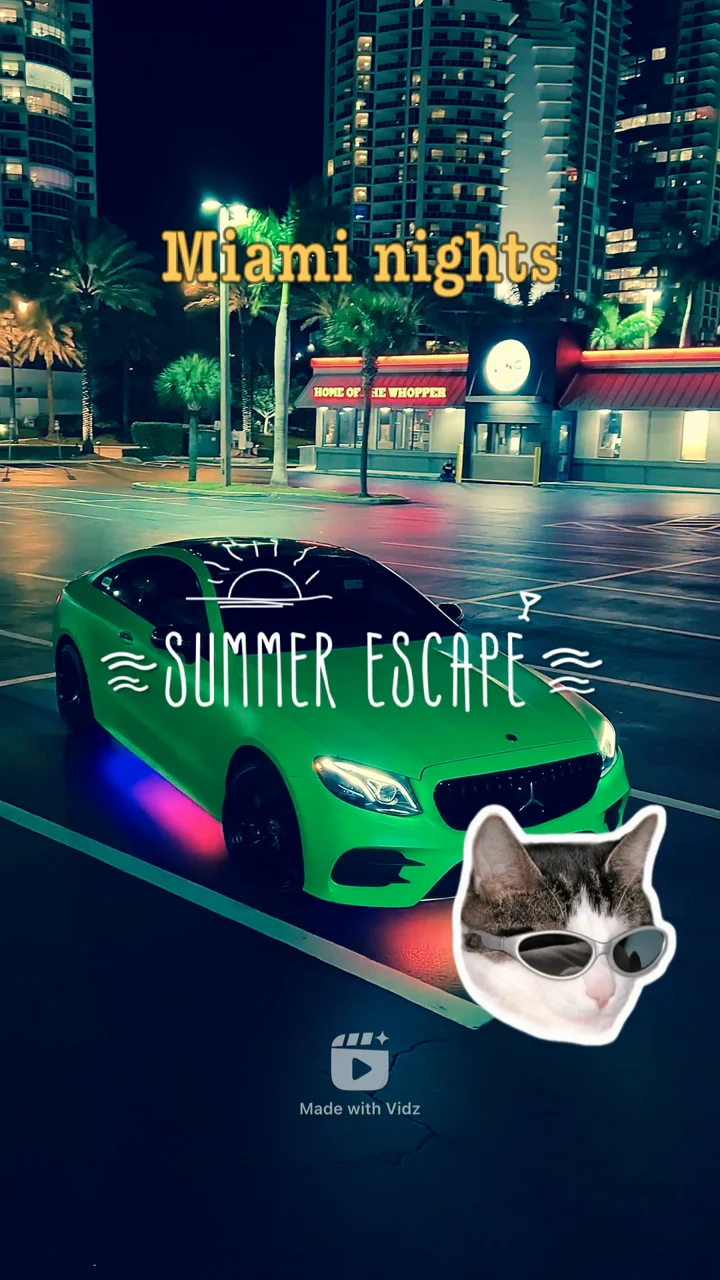
“SUMMER ESCAPE” in Summers, 0.00–1.67 s.
03Sticker
Sun and waves around the title, 0.00–1.67 s.
04Soundtrack
8 cuts, each placed on the music.
A real Travel template from the library. It has no transitions; others add them, blur for example.
In numbers
Read from the app’s own catalogue and the App Store, not typed in.
Templates
112
Every one free to use.
Categories
6
Travel to Events.
Export
4K
MP4 or MOV, with HDR.
Trending in the app
Tap one to watch it. Updated 19 Nov 2026.
What’s in the app
Start finished. Change anything.
01
Templates
112 finished reels in 6 categories.

02
Collage
Several clips on screen at once, in grids, frames and stacks.

03
Text
Your words, with font, colour, background, shadow and outline.
04
Stickers
Pick from the in-app collection and place them anywhere.
05
Filters
Change the look of a clip with one tap.
06
Video Editor
Trim, speed and volume, several clips together, and music from the Vidz collection, your library or another video.
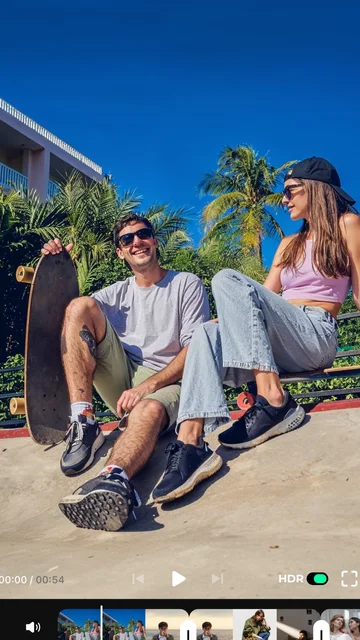
Export
Out of the app, in full quality.
- Resolution
- 480p · 540p · 720p · 1080p · 4K
- Container
- MP4 · MOV
- Dynamic range
- SDR · HDR
- Frame rate
- 30 fps · 50/60 fps with an in-app purchase
- Destinations
- Instagram Reels · TikTok · YouTube Shorts · Photos
- Rendered
- On your iPhone
Plain answers
Is it free? What’s paid?
Vidz is free to download and every template is free to use. Exports carry a small “Made with Vidz” mark. Removing it, and exporting at 50 or 60 frames per second, are in-app purchases; the price is shown in the app before you pay.
Which iPhones?
Is there an Android version?
No. Vidz is iPhone-only for now.
Where do exports go?
Save to Photos, or share straight to Instagram Reels, TikTok or YouTube Shorts from the export screen.
Why are the previews on this page silent?
Each template’s music is licensed for use inside the app. You hear it when you open the template in Vidz.
How do I get help?
Email support@pixeltouch.net or tap Contact Support in the app. How the app handles data is in the privacy policy; this website sets no cookies.